Hiking map of Keuruu - Zoneatlas
Here you can find the winter version
Here you can find the summer version
User guide (produced by artificial intelligence)
Short description
The Zoneatlas Keuruu hiking map is a digitally and visually clear map package that brings together the best trails, campsites, rest areas, swimming areas, services and accessibility information in Keuruu. The map works in browser and mobile and allows you to use your location to track your route and find places. The perfect tool for hikers, families and entrepreneurs who want to plan a nature trip easily and safely
Why choose Zoneatlas Keuruu?
A consistent information package on the entire Keuruu hiking network.
Easy location display and route tracking on mobile (GPS).
Collect routes, break points, accommodation and service information in one interface.
Updatable and manageable - also suitable as a guide for businesses
What does the map include?
Routes: marked in different colours (easy, medium, difficult) and distances.
Campsites, campfires and shelters: equipment information, fire rules and recommended hours of use.
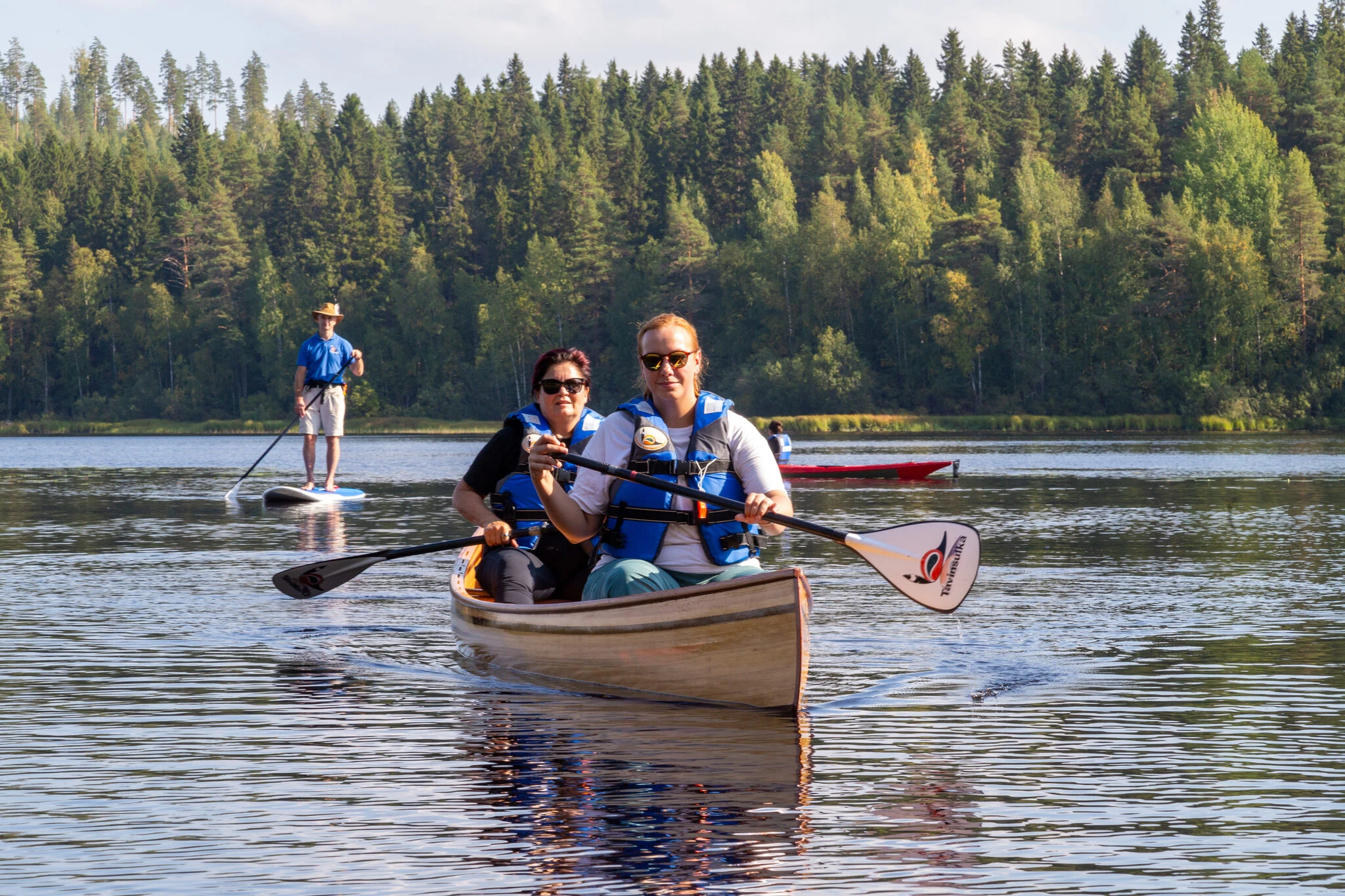
Swimming beaches, boating sites and canoeing routes (with water routes differentiated).
Parking and signage at the starting points of the routes.
Services: cafes, restaurants, accommodation, rental shops
Accessibility information: accessibility for pushchairs/wheelchairs.
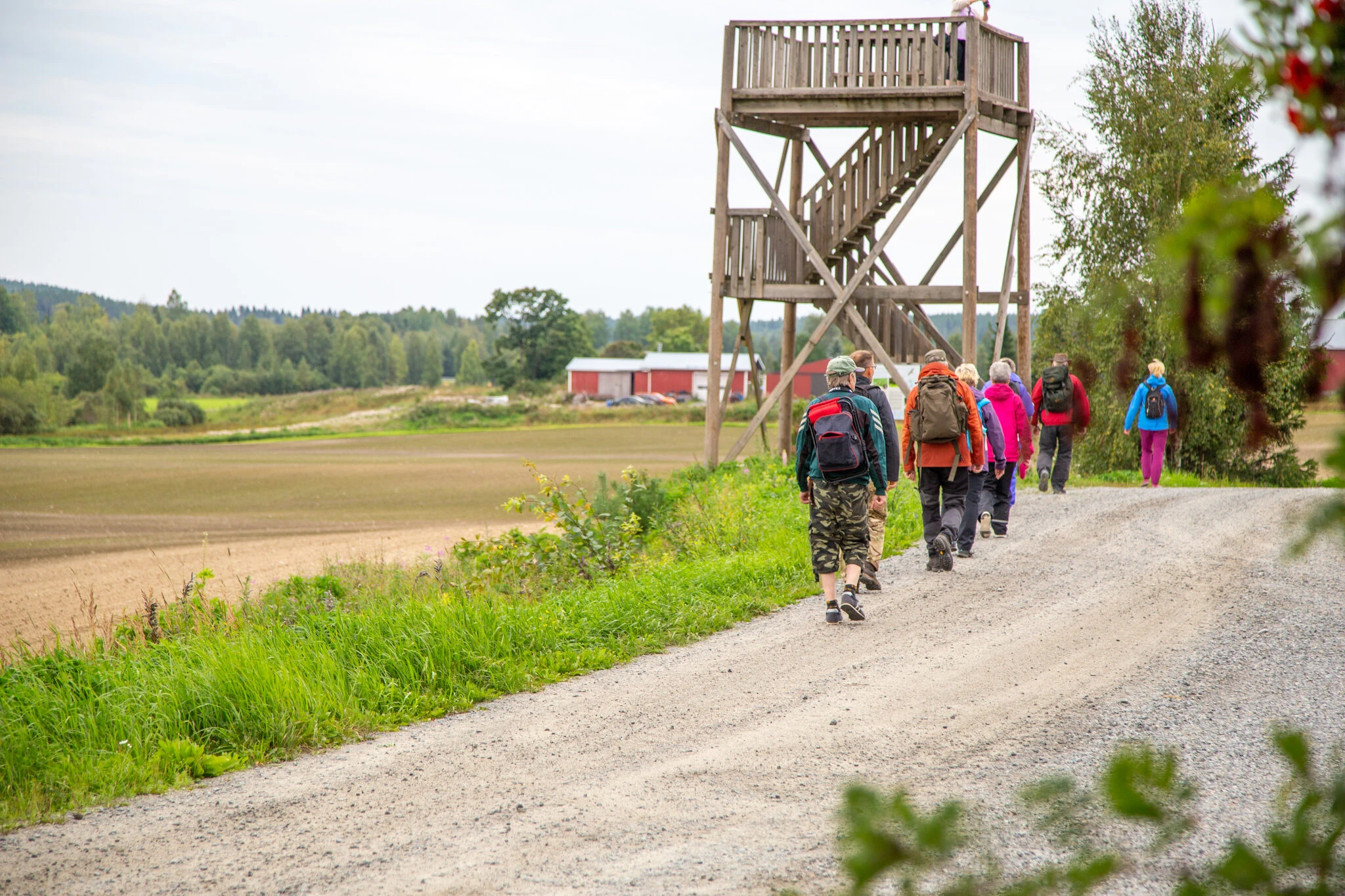
Information points & nature sites: attractions, birdwatching sites, viewpoints.
Updated disturbance notices (forestry work, closed paths).
How to use the map - step by step
1) Open the map
Download the map from
Open the link in your browser or on your mobile device.
2) Enable location (GPS)
Click on the dedicated icon ("Location" or small button) and enable GPS from your browser.
The map will show your location in real time - especially useful at trail junctions.
3) Find a route or destination
Use the search field: enter the name of the route, the lodge or the service (e.g. "Keurusselkä lodge", "Nyyssänniemi").
Filter routes by difficulty, length or season.
4) Follow the route and measure distances
Select a route - the map shows the length of the route and the estimated walking time.
Activate "Follow GPS" to see where you are on the route.
Use the measurement tool to estimate the distance or find alternative break points.
5) Download the GPX of the route (if available)
Many routes have a downloadable GPX file that you can import into your own retkigps or your phone's route app (e.g. Outdooractive, Komoot).
It's a good idea to download the GPX before you set off if you're going to an area with poor internet access.
6) Offline mode & printing
If your map app supports offline capability, download the map area before heading into the forest.
You can also print the route or the destination page as a PDF (button: Print / Download PDF).